
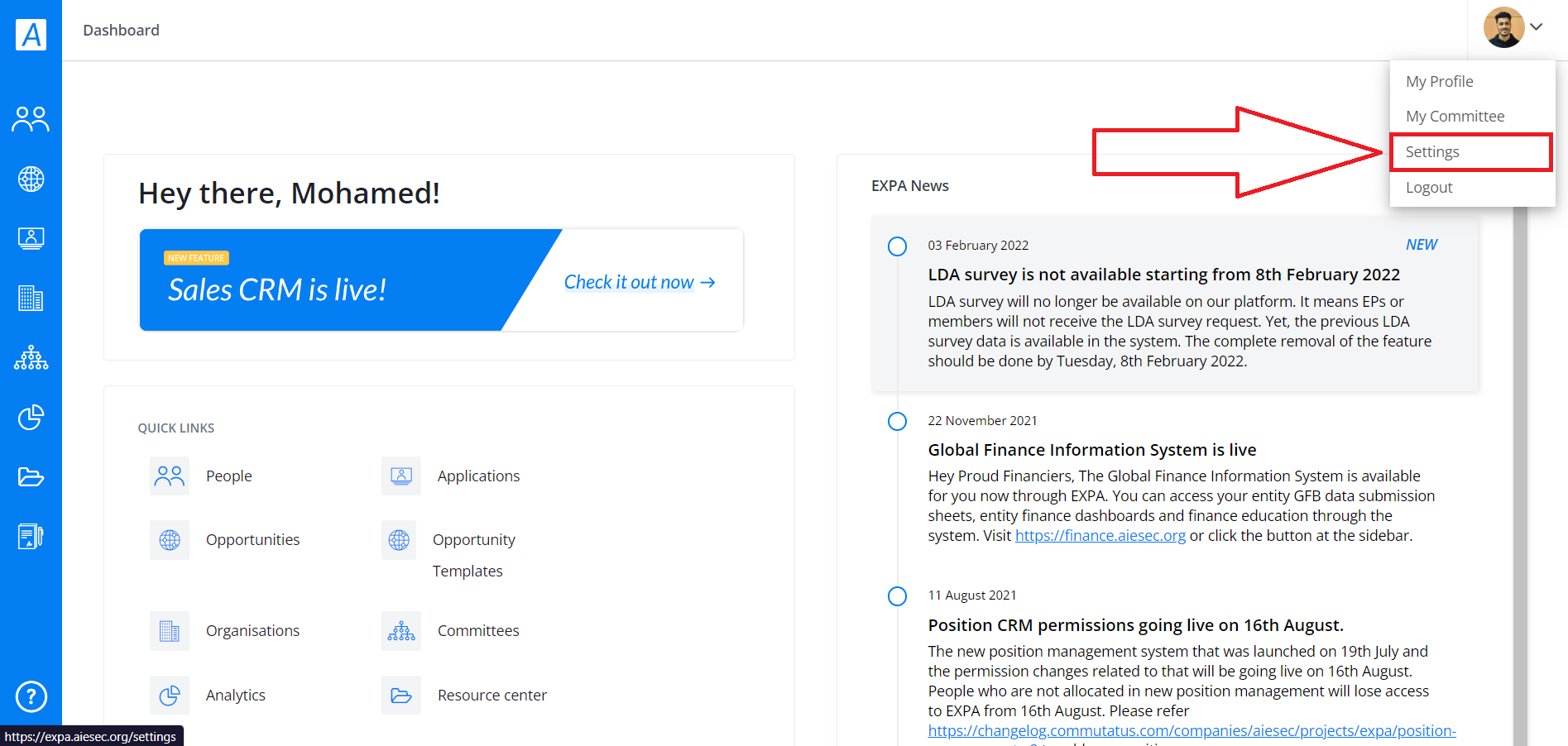
The second part of managing your profile can be found if you click on the arrow right next
to your profile picture.
Once the dropdown appears, just click on Settings.
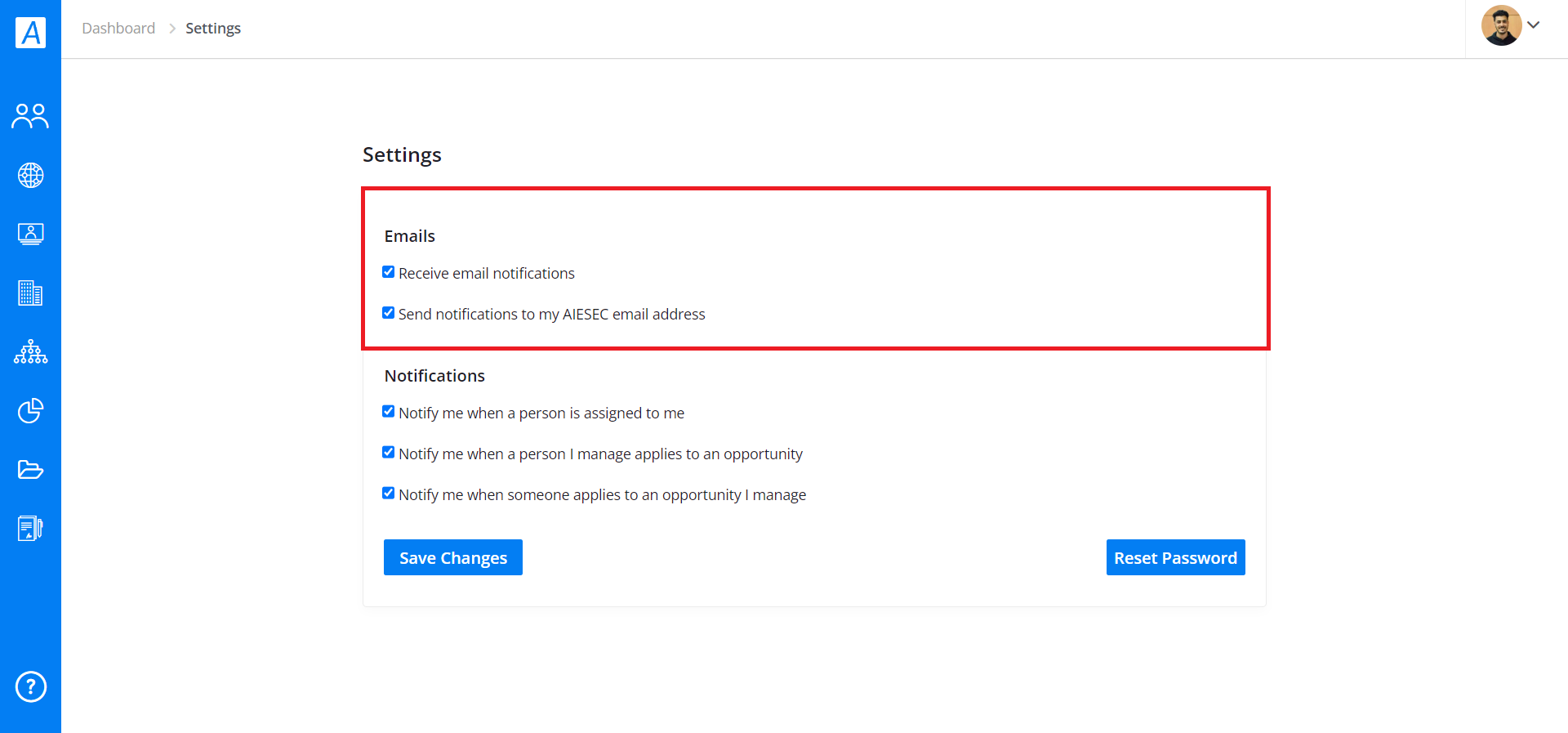
Emails:
- You can select the desired checkboxes to send and receive notifications from your AIESEC account.
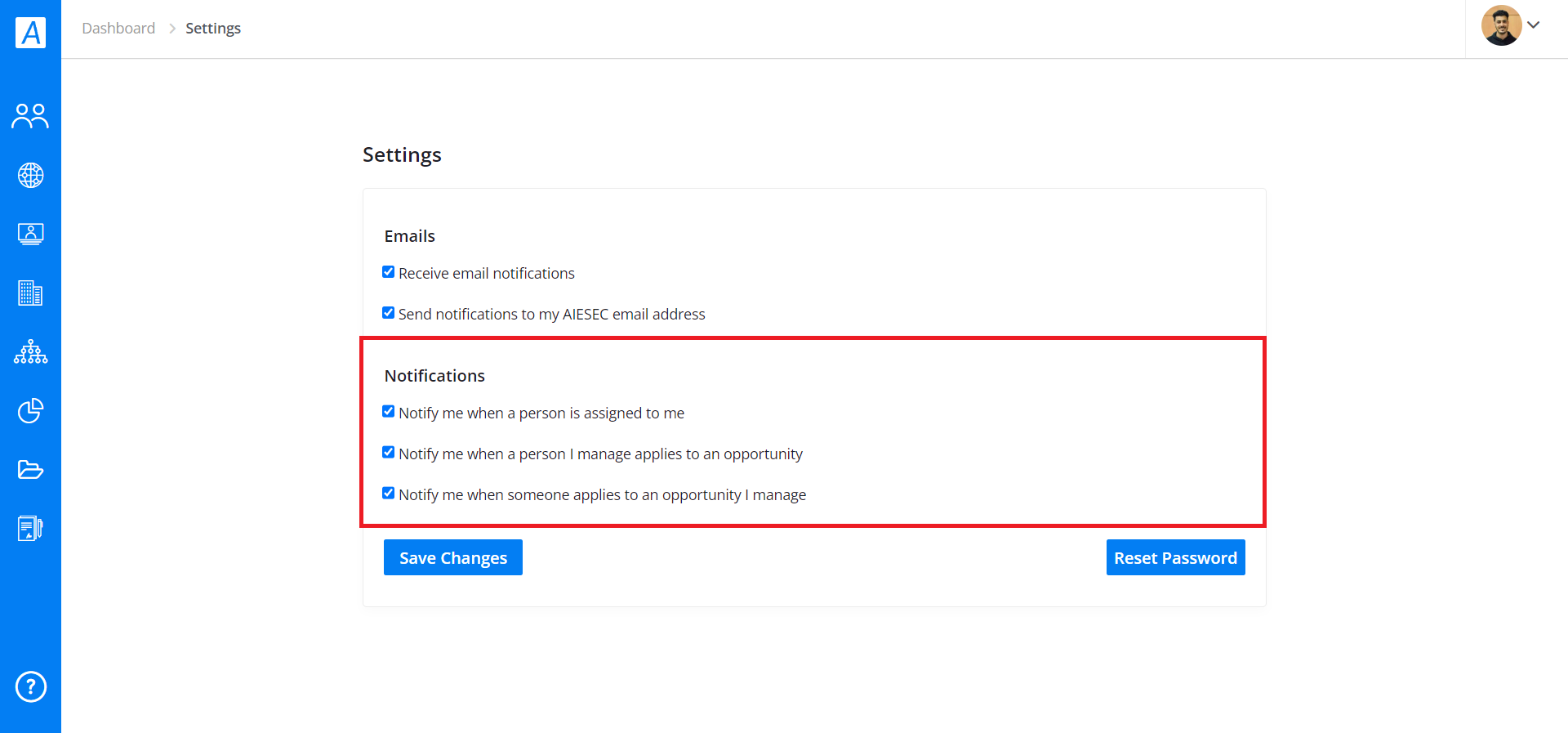
Notifications:
- You can get notified whenever you are:
1. To receive an AIESEC email.
2. Assigned to a person.
3. When a person you are assigned to applies for an opportunity.
4. When a person applies to an opportunity you manage.
Select the checkboxes under Settings (Notifications).
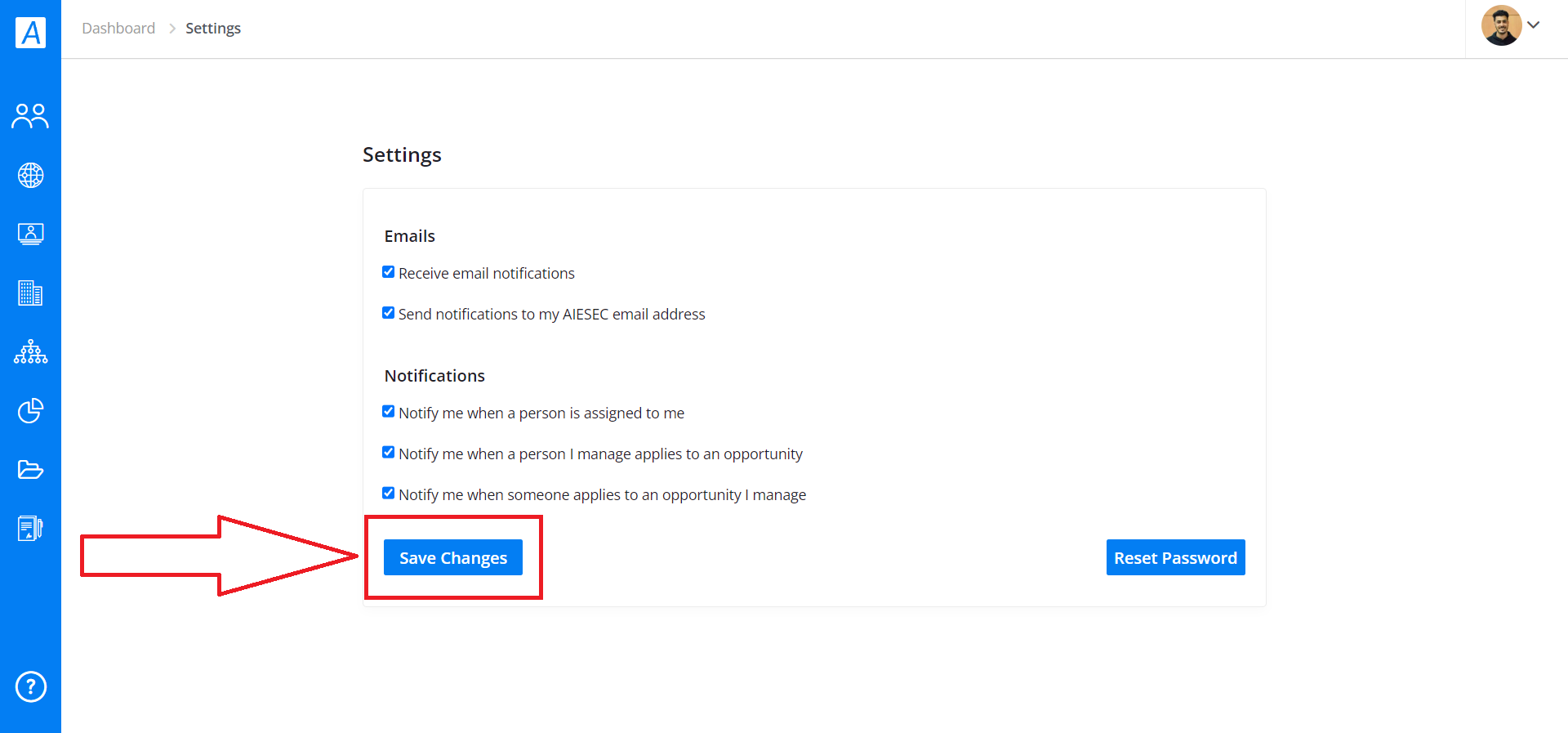
And then save your choices by clicking on the "Save Changes" button.
Comments
0 comments
Please sign in to leave a comment.